
Squarespace positions itself as an all-in-one website platform for people who care about design but don’t want to manage infrastructure. It bundles hosting, templates, CMS, ecommerce, and basic marketing into a single subscription.
That convenience is real—but it’s not free.
This review breaks Squarespace down without hype: what it does well, where it limits you, how it compares to competitors, and who should not be using it. No inspiration talk. Just trade-offs.
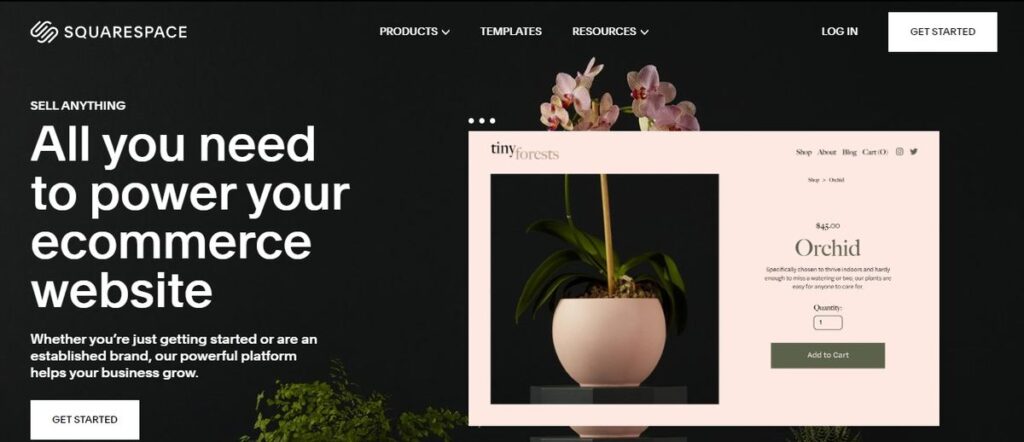
About Squarespace
Squarespace is a closed, fully managed website builder. You don’t deal with servers, plugins, updates, or security patches. You design pages using a visual editor, publish, and pay a monthly or yearly fee.
Key implications of that model:
You trade flexibility for simplicity
You rent, not own, your platform
You operate inside strict boundaries
This is not inherently bad—but it defines everything about Squarespace.
Core Features Overview
Squarespace focuses on presentation and ease, not extensibility.
What’s Included
Professionally designed templates
Visual page editor (sections + blocks)
Built-in blogging and CMS
Ecommerce (physical & digital products)
Hosting, SSL, and CDN included
Basic SEO and analytics
Email campaigns and scheduling tools (paid add-ons)
What’s Missing or Limited
No plugin ecosystem
Limited third-party integrations
No server-level access
Custom code only within constraints
Scaling options are opaque
If you expect deep customization, you are in the wrong place.
Feature Comparison: Squarespace vs Competitors
The table below compares Squarespace with two common alternatives: Wix and WordPress.com.
Website Builder Comparison Table
| Feature | Squarespace | Wix | WordPress.com | What This Means |
|---|---|---|---|---|
| Ease of Use | Very high | High | Medium | Squarespace is fastest to launch |
| Design Quality | Excellent | Good | Variable | Strong aesthetic control |
| Templates | Curated, limited | Many | Theme-dependent | Less choice, better consistency |
| Customization Depth | Limited | Medium | High (paid plans) | Squarespace trades control for simplicity |
| Plugin / App Ecosystem | Minimal | Large app market | Extensive | Major limitation for scaling |
| Hosting Included | Yes | Yes | Yes | Equal baseline |
| SEO Control | Basic | Basic–medium | Medium–advanced | Not ideal for aggressive SEO |
| Ecommerce | Solid, limited | Solid, flexible | Strong (WooCommerce on higher tiers) | Fine for small stores only |
| Pricing Transparency | Clear | Clear | Confusing tiers | Squarespace pricing is predictable |
| Ownership / Portability | Low | Low | Medium | Lock-in is real |
Direct conclusion: Squarespace wins on design consistency and onboarding speed, not long-term control.

Design and Editor: Where Squarespace Wins
This is Squarespace’s strongest area. No debate.
Strengths
Templates are professionally designed, not community junk
Layouts enforce spacing, typography, and hierarchy
Hard to accidentally make something ugly
Responsive behavior is handled automatically
For portfolios, personal brands, and small business sites, this matters.
Weaknesses
You design within the template, not beyond it
Structural changes are constrained
Complex layouts require CSS hacks
Reusable components are limited
If you fight the system, you lose time fast.

Final Verdict
Squarespace is not flexible. That is not a flaw—it is the product.
It succeeds by removing decisions, not enabling them.
You should choose Squarespace if you want:
A good-looking site quickly
Minimal setup and maintenance
Predictable costs
No infrastructure responsibility
You should not choose it if you expect:
Deep customization
Technical leverage
Aggressive growth tooling
Platform independence
Bottom line:
Squarespace sells control for convenience. If that trade-off aligns with your goals, it’s excellent. If it doesn’t, no amount of polish will compensate.